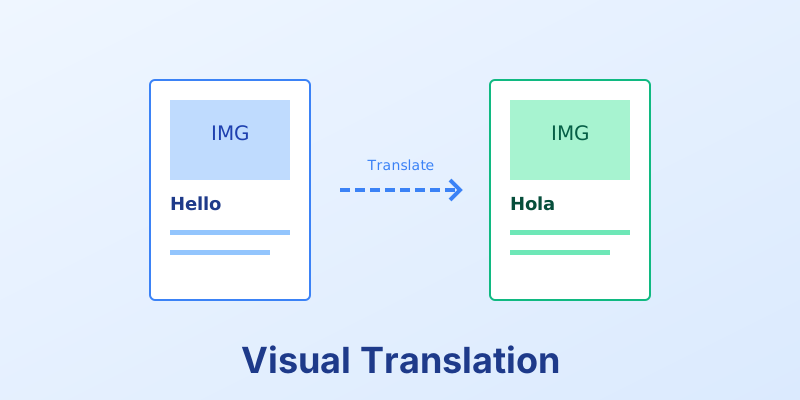
Beyond Text: Translating Visual Elements in PDFs
You translated the text from English to Japanese. You are done, right? Wrong. Visual translation is just as important. A thumbs-up gesture is positive in the US, but offensive in parts of the Middle East.
1. Layout Direction (RTL)
- Arabic/Hebrew: These languages read Right-to-Left.
- The Impact: You can’t just translate the text. You must flip the entire layout. The sidebar on the left should move to the right. The “Next” arrow should point left.
2. Color Meanings
- Red: In the US, it means “Danger” or “Stop.” In China, it means “Luck” and “Prosperity.”
- White: In the West, it’s for weddings. In some Asian cultures, it’s for funerals. Automated templates need to swap color palettes based on the locale.
3. Iconography
- Mailbox: An American mailbox (curved top, red flag) looks alien to a European user.
- Currency: Don’t just change the symbol ($ to €). Change the format (1,000.00 vs 1.000,00).
Conclusion
True localization requires cultural intelligence. Your document generation system must be flexible enough to swap assets, not just strings.
Cultural adaptability. MergeCanvas allows for dynamic asset injection, so you can serve the right image to the right user automatically.