PDF/A-3 vs. PDF/A-4: Understanding the Differences
The PDF/A standard (ISO 19005) is the global benchmark for the long-term preservation of electronic documents. It ensures that a file created today will be readable 50 or 100 years from now.
But PDF/A isn’t a single standard; it evolves. For years, PDF/A-3 was the cutting edge. Now, PDF/A-4 has arrived.
What is the difference? And does your organization need to upgrade?
1. A Quick History
- PDF/A-1 (2005): The original. Very restrictive. No transparency, no layers.
- PDF/A-2 (2011): Added support for JPEG 2000, transparency, and layers.
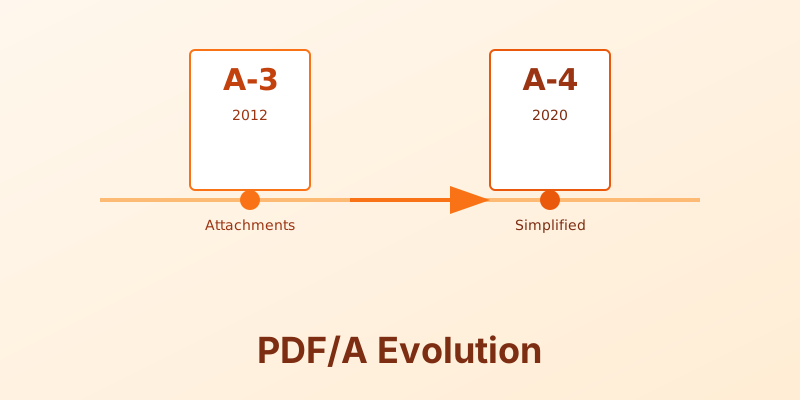
- PDF/A-3 (2012): The game changer. Allowed embedding of arbitrary file formats.
2. The PDF/A-3 Revolution: “The Container”
PDF/A-3 is identical to PDF/A-2 in terms of rendering. The big difference is that it allows you to embed any file type inside the PDF.
This enabled the ZUGFeRD invoice standard in Europe. A ZUGFeRD invoice is a human-readable PDF/A-3 file that contains a machine-readable XML file embedded within it. A human reads the PDF; a computer reads the XML. Both travel together in one file.
3. Enter PDF/A-4 (2020)
PDF/A-4 is based on the modern PDF 2.0 specification (ISO 32000-2). It simplifies the standard and removes the “conformance levels” (A, B, U) that confused users in previous versions.
Key Changes in PDF/A-4:
- Simplified Conformance: No more “Level A” (Accessible) vs “Level B” (Basic). PDF/A-4 files are just PDF/A-4. (Though there are two specific sub-profiles, see below).
- Javascript Support: Limited support for JavaScript is now allowed for specific interactive purposes, which was strictly forbidden before.
- Better Color Handling: Improved support for modern color spaces and spectral data.
The Sub-Profiles:
- PDF/A-4f: Allows embedding of arbitrary files (replacing the functionality of PDF/A-3).
- PDF/A-4e: Designed for engineering documents (replacing the old PDF/E standard), supporting 3D content and rich media.
4. Which Should You Use?
Stick with PDF/A-3 if:
- Your existing workflows are stable.
- You rely on specific tooling that hasn’t updated to PDF 2.0 yet.
- You need the specific “Level A” (Accessibility) designation for compliance reasons that explicitly reference older standards.
Move to PDF/A-4 if:
- You are building a new archive system from scratch.
- You need to archive documents with modern features like 3D models or complex transparency that PDF 2.0 handles better.
- You want to simplify your compliance requirements by dropping the A/B/U distinction.
Conclusion
Both PDF/A-3 and PDF/A-4 are excellent choices for archiving. PDF/A-3 is the mature, widely supported workhorse. PDF/A-4 is the modern, streamlined future.
Future-proof your archives. MergeCanvas supports generating compliant PDF/A files to ensure your records stand the test of time.