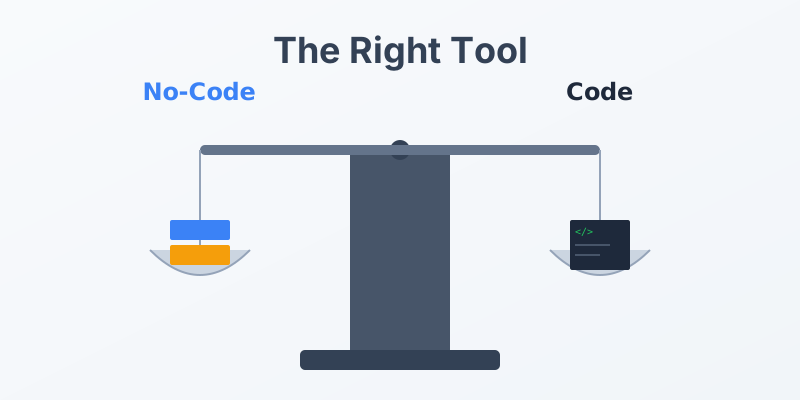
No-Code vs. Code-Based Document Generation: Which is Right for You?
The document automation market is split into two camps. On one side, No-Code platforms promise drag-and-drop simplicity. On the other, Code-Based (API/SDK) solutions offer infinite flexibility for developers.
Choosing the wrong path can lead to frustration. A developer forced to use a clunky UI will be slowed down. A marketing manager forced to write JSON will be blocked.
This article compares the two approaches to help you decide which is the best fit for your organization.
1. No-Code Solutions (The “Visual” Approach)
Who it is for: Operations managers, HR, Legal, Marketing, Small Business Owners.
How it works: You log into a web dashboard, upload a Word or PDF template, and use a visual editor to map fields (e.g., drag “Customer Name” onto the document). You then use tools like Zapier or Make to trigger the generation.
Pros:
- Speed to Value: You can get your first document running in minutes without writing a single line of code.
- Empowerment: Non-technical teams can own their workflows. Marketing can update the brochure template without bugging IT.
- Visual Feedback: WYSIWYG (What You See Is What You Get) editors reduce the guesswork.
Cons:
- Limited Logic: Complex conditional logic (nested loops, complex math) is often hard or impossible to implement visually.
- Scalability Costs: Often priced per-document or per-user, which can get expensive at high volumes.
2. Code-Based Solutions (The “API” Approach)
Who it is for: Software Engineers, Product Developers, CTOs, Enterprise Architects.
How it works: You integrate a library or call an API endpoint from your code. You define templates using HTML/CSS or structured formats. Data is passed programmatically as JSON objects.
Pros:
- Total Control: If you can code it, you can generate it. Complex layouts, dynamic charts, and intricate logic are all possible.
- Integration: Seamlessly embeds into your existing application. The user never leaves your app to go to a third-party dashboard.
- Version Control: Templates can be stored as code (e.g., HTML files) in Git, allowing for proper diffs, reviews, and rollbacks.
Cons:
- Developer Dependency: You need a developer to set it up and make changes.
- Learning Curve: Requires understanding of HTTP requests, JSON, and potentially HTML/CSS for layout.
3. The Hybrid Middle Ground
Many modern tools are trying to bridge the gap. They offer a Visual Template Builder (for the non-technical users) but expose a robust API (for the developers to trigger the generation).
This is often the “Goldilocks” solution for mid-sized to large companies. It allows the Legal team to draft the contract terms in a visual editor, while the Engineering team writes the code that pulls the data from the CRM and triggers the document creation.
Conclusion
Choose No-Code if: You have no engineering resources, your volume is low to medium, and your document logic is straightforward.
Choose Code-Based if: You are building a software product, you have high volume needs, or you require complex, dynamic data rendering.
Looking for the best of both worlds? MergeCanvas offers developer-first APIs with intuitive template management, giving you the power of code with the ease of visual design.