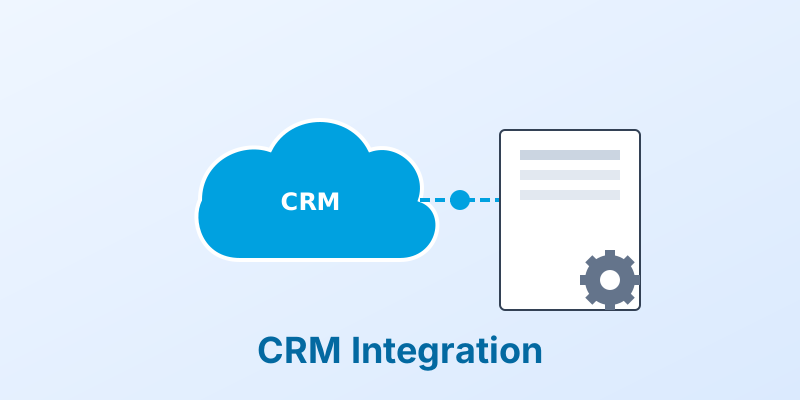
Integrating PDF Generation with Salesforce
Salesforce is the world’s #1 CRM. It knows everything about your customers. But out of the box, its document generation capabilities are… limited.
Sales teams often struggle to get data out of Salesforce and into a nice-looking Quote or Proposal.
1. The “Button” Approach
The simplest integration is a custom button on the Opportunity record: “Generate Quote.”
- Action: When clicked, it sends the Opportunity data (Line Items, Account Info) to an external API (like MergeCanvas).
- Result: The API returns a PDF, which is automatically saved to the “Files” section of the Opportunity.
2. Apex Triggers (Automation)
Why wait for a click?
- Trigger: When an Opportunity stage changes to “Closed Won.”
- Action: An Apex trigger fires, calls the API to generate the “Service Agreement,” and emails it to the customer for signature.
3. Handling Related Objects
Salesforce data is relational. A Quote is related to an Account, which has a Contact. A good integration can traverse these relationships. It can pull the Contact’s email and the Account’s billing address and put them both on the Quote PDF.
Conclusion
Integrating document generation into Salesforce keeps your sales reps inside the CRM, reducing context switching and speeding up the sales cycle.
Supercharge Salesforce. MergeCanvas offers easy-to-use webhooks and API endpoints that integrate perfectly with Salesforce Apex and Flow.