How to Design a High-End PDF
A PDF is often the final deliverable a client sees. If it looks like a default Word doc, it devalues your work. High-end PDFs borrow principles from magazine design.
1. The Grid System
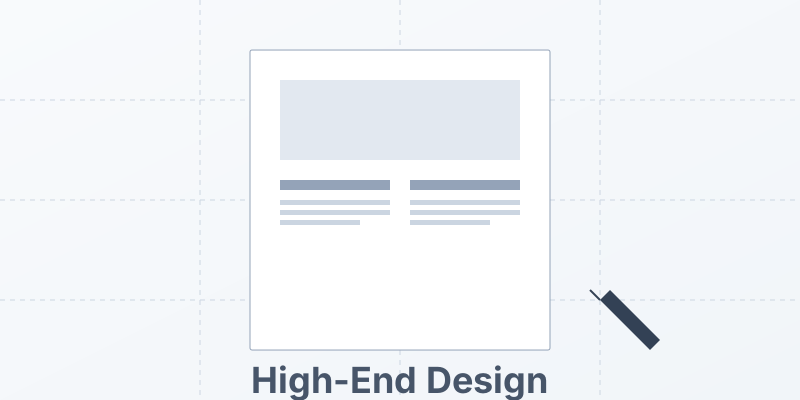
Don’t just type from left to right. Use a grid.
- Columns: Use a 2 or 3-column layout for readability. Long lines of text (100+ characters) fatigue the eye.
- White Space: Margins are luxury. Don’t cram content to the edge. Wide margins make the document feel important.
2. Typography Hierarchy
- Headings: Use a bold, distinct font (Sans Serif) for headers.
- Body: Use a highly readable font (Serif) for long text.
- Leading: Increase line height (1.4 to 1.6). Tight text looks cheap.
3. Vector Graphics
Never use low-res JPEGs.
- SVGs: Use vector icons and logos. They remain crisp at any zoom level.
- Charts: Generate charts as vectors, not screenshots.
4. Interactive Elements
A high-end PDF isn’t just paper on a screen.
- Hyperlinks: Make the Table of Contents clickable.
- Bookmarks: Add a sidebar navigation tree.
- Forms: Use fillable fields for user input.
Conclusion
Design communicates value. A well-designed PDF says “We pay attention to detail.”
Design at scale. MergeCanvas allows you to use HTML/CSS for layout, giving you the full power of web design tools to create stunning PDFs.