How to Create a Simple Mail Merge?
“Mail Merge” sounds like a relic from the 90s, but it remains one of the most powerful productivity techniques in the digital age. At its core, it is simply the process of taking a single document template and plugging in data to create many unique documents.
The Three Ingredients
Every mail merge requires three things:
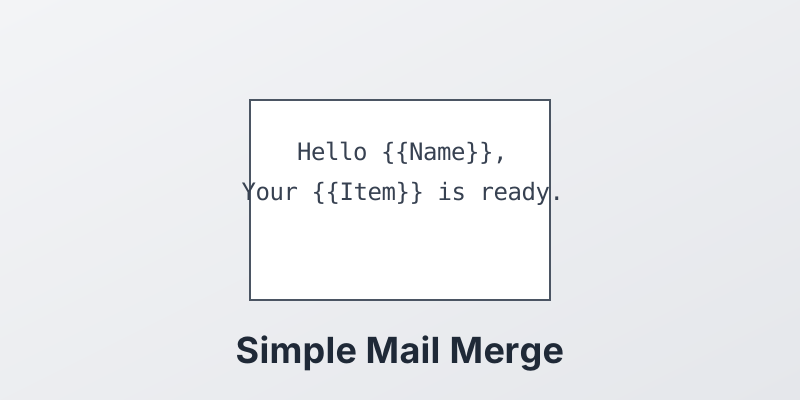
- The Template: A document (Word, PDF, HTML) with “holes” in it. These holes are called placeholders or merge fields. Example:
Hello {{FirstName}},. - The Data Source: A structured list of information. Usually a spreadsheet (Excel, CSV) or a database.
- The Engine: The software that connects the two.
Step-by-Step Example
Let’s say you want to write a letter to 3 friends.
-
Create Data: Open Excel.
- Column A: Name
- Column B: City
- Row 1: Alice, New York
- Row 2: Bob, London
- Row 3: Charlie, Paris
-
Create Template: Write your letter.
- “Dear [Name], I hope the weather is nice in [City].”
-
Run Merge:
- The engine reads Row 1.
[Name]becomes “Alice”.[City]becomes “New York”. - Result 1: “Dear Alice, I hope the weather is nice in New York.”
- It repeats for Bob and Charlie.
- The engine reads Row 1.
Common Uses
- Labels: Printing address labels for holiday cards.
- Invoices: Generating bills where only the items and totals change.
- Contracts: Standard agreements with different client names and dates.
Conclusion
Once you master the simple mail merge, you unlock the ability to communicate personally with thousands of people at once.
Ready to master mail merge? Discover how MergeCanvas takes mail merge to the next level with PDF automation. Start your free trial today.