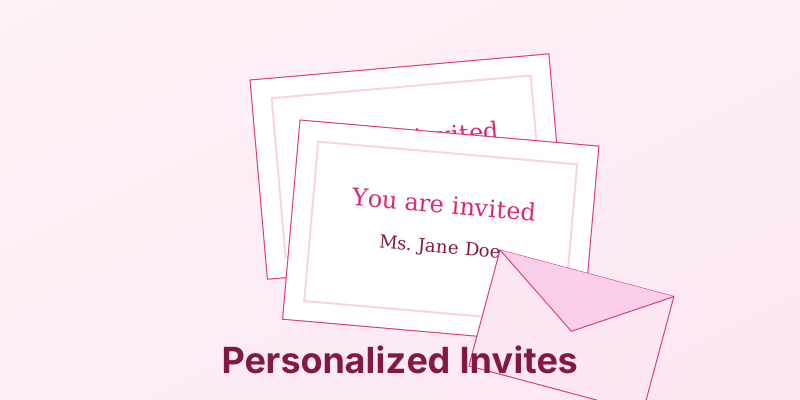
Creating Event Invitations and RSVP Cards with Mail Merge
The guest list is final. The venue is booked. Now comes the tedious part: addressing the invitations. Whether it’s a wedding, a corporate gala, or a charity fundraiser, personalization adds a touch of class that “Dear Guest” can never match.
1. The Data Source: Clean Your List
Your invitation is only as good as your spreadsheet.
- Formal Names: Create a column for
FormalName(“Mr. and Mrs. Smith”) andCasualName(“John and Jane”). - Table Numbers: If you are assigning seating, include a
TableNumbercolumn to print directly on the place card.
2. The Design: Merging into Beauty
You don’t have to sacrifice design for automation.
- Fonts: Use a script font for the
«Name»field to mimic calligraphy. - Layout: Design your background in Canva or Photoshop, save it as an image, and set it as the background in Word. Then place your text boxes over it.
3. RSVP Cards
Pre-filling the RSVP card increases response rates.
- The Trick: Print a small code (e.g., “Guest ID: 104”) on the back of the RSVP card.
- Why: When you get a card back with illegible handwriting, you can look up ID #104 in your spreadsheet and know exactly who it is.
Conclusion
Your guests will appreciate the personal touch, and you will appreciate the 10 hours you saved by not writing addresses by hand.
Event automation. MergeCanvas is perfect for generating thousands of tickets, badges, and personalized event materials in seconds.