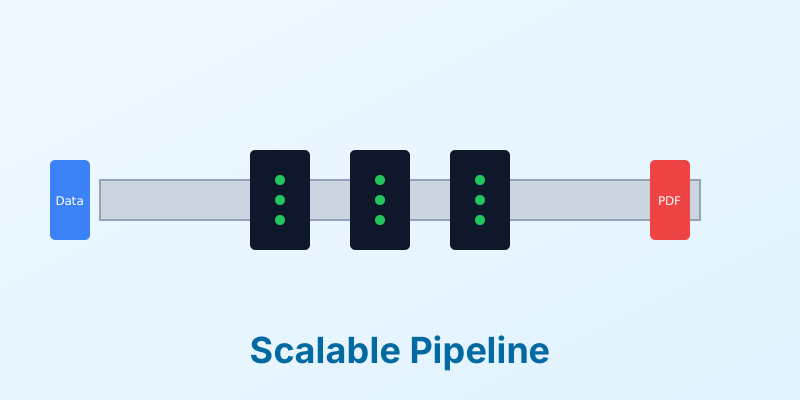
Building a Scalable Document Pipeline for Enterprise
For a startup, generating a PDF takes a few seconds. For an enterprise, generating millions of PDFs—statements, bills, policy documents—is a massive engineering challenge.
A “Scalable Document Pipeline” is not just about raw speed; it is about reliability, error handling, and resource management. When you are operating at enterprise scale, a 1% failure rate means 10,000 angry customers.
In this guide, we will outline the key architectural principles for building a document pipeline that can grow with your business.
1. Asynchronous Processing (The Queue)
The golden rule of scalability: Don’t block the main thread.
Never generate a large document synchronously in the user’s request loop. If a user clicks “Download Report,” do not make their browser spin while your server churns for 30 seconds.
The Pattern:
- User requests document.
- Server pushes a “Job” to a message queue (e.g., RabbitMQ, AWS SQS, Redis).
- Server responds immediately: “Your report is being generated. We will email you/notify you when ready.”
- Worker nodes pick up jobs from the queue and process them in the background.
2. Stateless Worker Nodes
Your document generation workers should be stateless. They receive data, generate a file, upload it to storage (S3, GCS), and die (or reset).
This allows you to auto-scale. If the queue depth spikes (e.g., end-of-month billing), you can spin up 50 more worker nodes instantly. If the queue is empty, you scale down to save costs. Avoid storing temporary files on the worker’s local disk, as this hinders scalability.
3. Centralized Template Management
In an enterprise, templates are assets. They shouldn’t be hard-coded strings inside your application code.
Use a Template Registry or a Content Management System (CMS) for your templates. This allows non-technical teams (Legal, Marketing) to update the “Terms and Conditions” or the “Footer Logo” without requiring a code deployment from the engineering team. The pipeline simply fetches the latest version of the template at runtime.
4. Robust Error Handling and Dead Letter Queues
Things will go wrong. A font file might be missing. A user might input an emoji that breaks the renderer.
Your pipeline needs a Dead Letter Queue (DLQ). If a job fails 3 times, move it to the DLQ. This prevents a “poison pill” job from crashing your workers in an infinite loop. Set up alerts on the DLQ so engineers can investigate the specific data payload that caused the failure.
5. Security and Data Governance
Enterprise documents often contain PII (Personally Identifiable Information).
- Encryption in Transit and at Rest: Ensure data sent to the generator is encrypted.
- Ephemeral Storage: Generated files should have a Time-To-Live (TTL). Do not store sensitive PDFs forever if you don’t need to.
- Access Control: Use signed URLs with short expiration times when letting users download their files.
Conclusion
Building a scalable pipeline requires moving away from “scripting” and towards “architecture.” By decoupling generation from request, utilizing queues, and planning for failure, you build a system that is resilient and ready for enterprise volume.
Need an enterprise-grade engine? MergeCanvas is built to handle high-throughput workloads with enterprise security standards.