Automating Patient Intake Forms for Healthcare
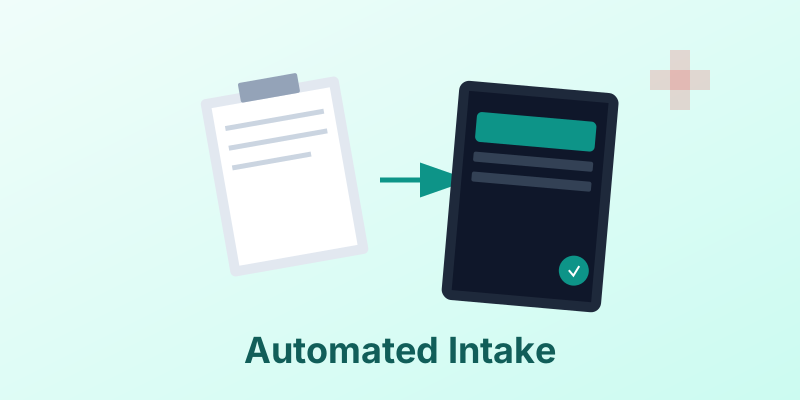
The clipboard. It is the symbol of the doctor’s waiting room—and the symbol of inefficiency.
Patients hate filling out the same name and address on five different sheets of paper. Staff hate deciphering handwriting and manually typing it into the EMR (Electronic Medical Record).
Automating patient intake forms is a quick win for healthcare providers. It improves the patient experience, reduces errors, and speeds up the entire visit.
1. The Digital Pre-Check
Instead of handing over a clipboard, send the patient a link via SMS or email 24 hours before their appointment.
- Mobile Friendly: They fill it out on their phone from their couch.
- Pre-Filled: If they are a returning patient, pre-fill their known data. Ask them to verify it, not re-type it.
2. Generating the PDF Record
Once the patient hits “Submit,” the data goes to your system. But you still need a formal record.
- Automated Generation: The system instantly generates a standardized PDF intake form populated with the patient’s answers.
- E-Signature: The patient signs on their device (finger on screen), and the signature is embedded in the PDF.
3. HIPAA Compliance
Healthcare data is protected by HIPAA.
- Encryption: The generated PDF must be encrypted in transit and at rest.
- Access Control: Only authorized staff should be able to view the generated file.
- Audit Logs: Track who generated, viewed, or printed the form.
4. Integration with EMR/EHR
The goal is zero data entry.
- Data Sync: The raw data (JSON) from the form should sync directly into the EMR fields (Allergies, Meds).
- File Attachment: The generated PDF is automatically uploaded to the “Documents” tab of the patient’s chart in the EMR as the legal proof of consent.
5. Accessibility
Digital forms must be accessible to all patients, including the elderly or visually impaired.
- Screen Readers: Ensure the web form and the resulting PDF are tagged for accessibility.
- Large Text: Offer options for larger font sizes.
Conclusion
The clipboard’s days are numbered. By moving to automated, digital intake forms, healthcare providers can focus less on paperwork and more on patient care.
Heal the workflow. MergeCanvas offers HIPAA-compliant document generation features to securely handle sensitive patient data.